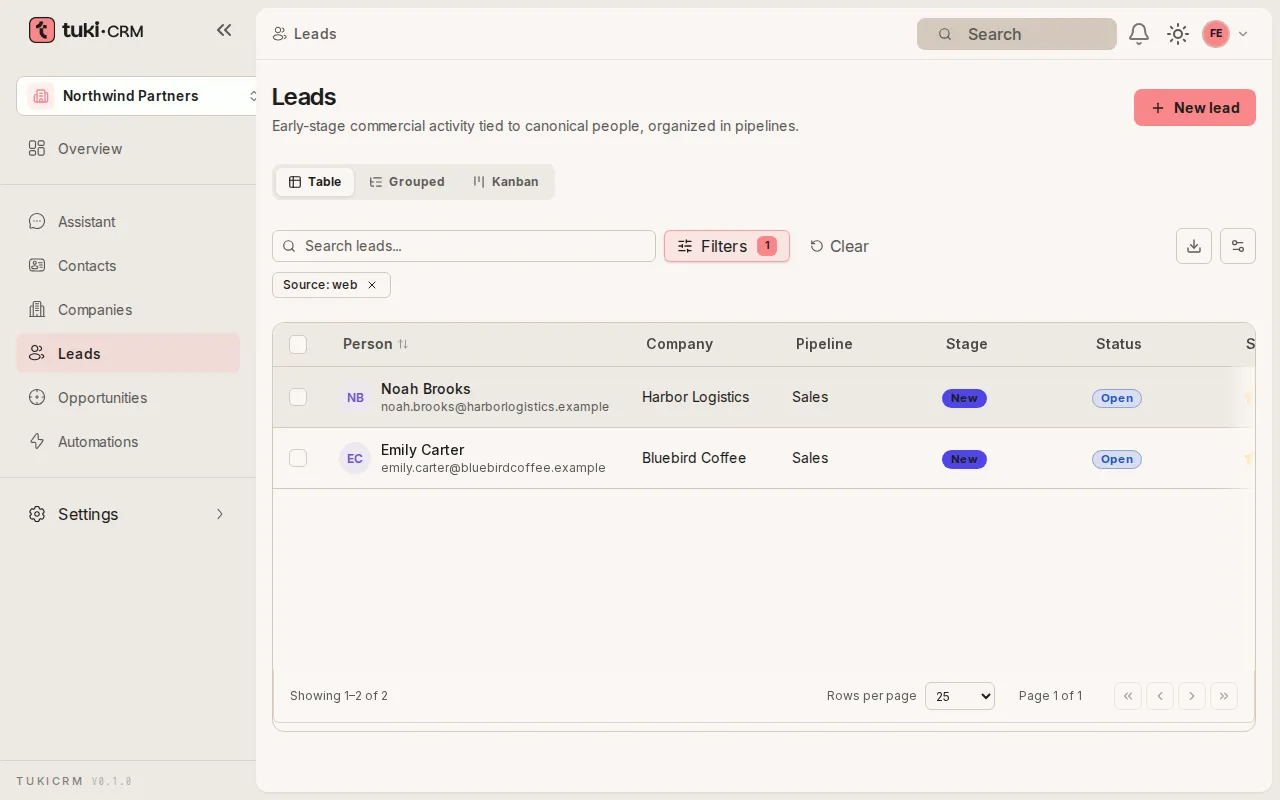
Search and filter lists
Find records across your organization, combine filters, and share the view.
The contact, company, lead, and opportunity lists share the same search box and filters. Search and filters apply to every record in your organization, not only the page you are looking at.
Search
Type in the search box above the table. When you stop typing, the list shows the matching records.
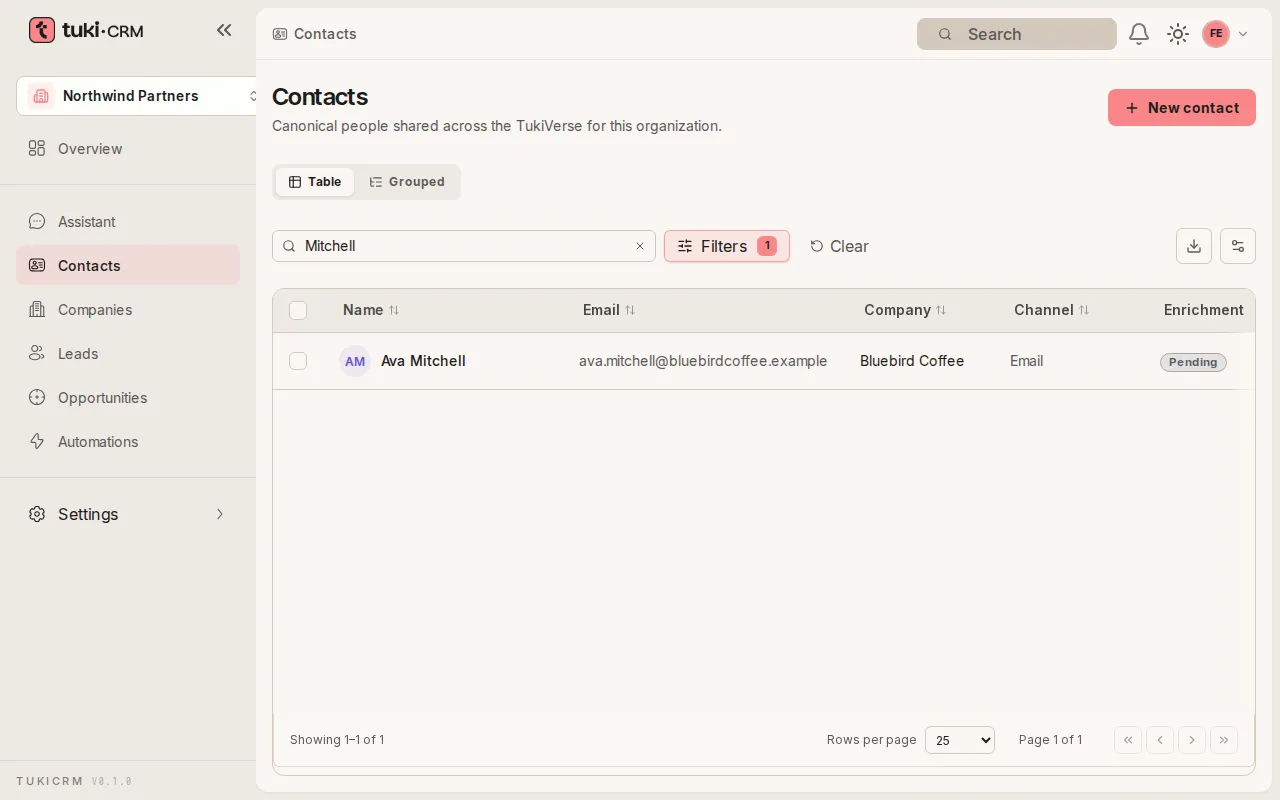
What each list searches:
| List | Searches |
|---|---|
| Contacts | Name and email |
| Companies | Name and domain |
| Leads and opportunities | The person’s name and email |
Filter
-
Click Filters.
-
On the left, choose the field; for leads, for example: Status, Pipeline, Source, or Score.
-
On the right, choose or type the value. The list updates right away.
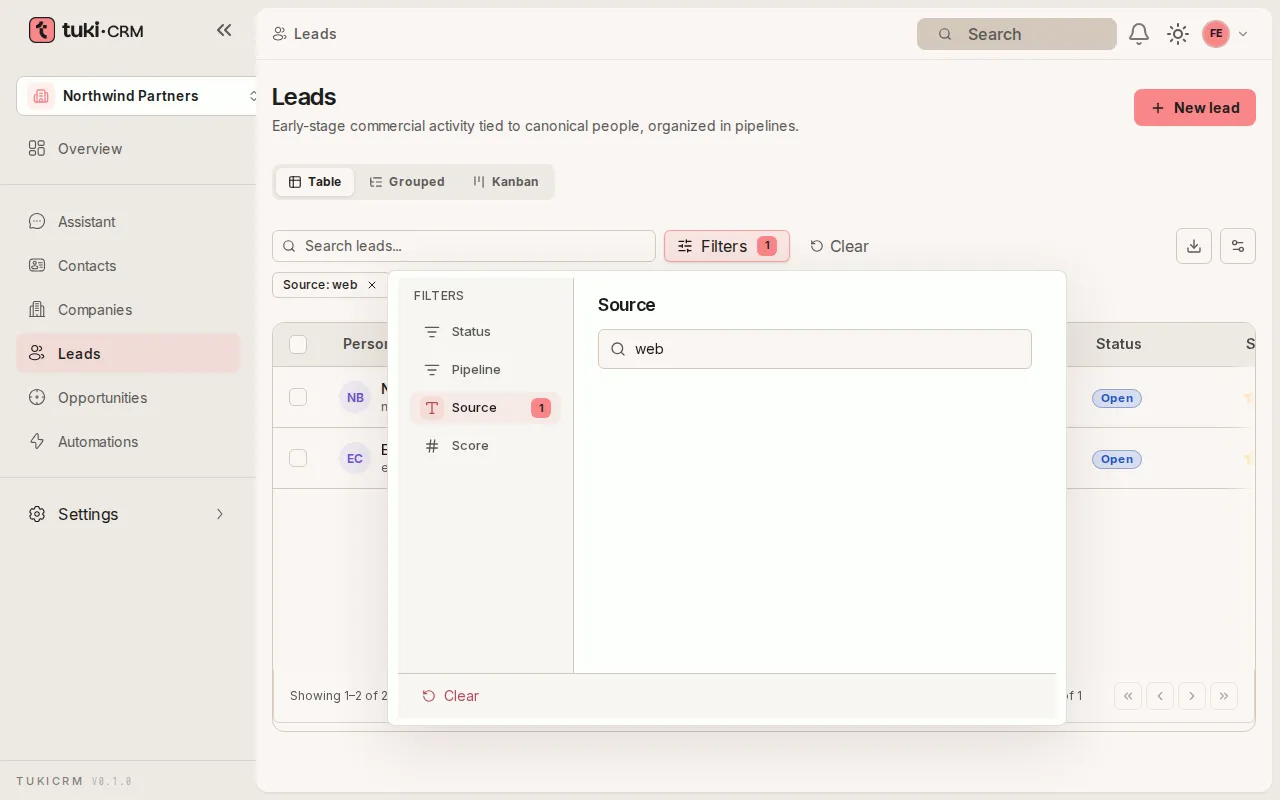
When you combine several filters, the list shows records that match all of them.
Review and remove filters
Each active filter appears as a tag below the search box. Use a tag’s × to remove that filter, or Clear to remove them all. The table footer shows how many records match in total.