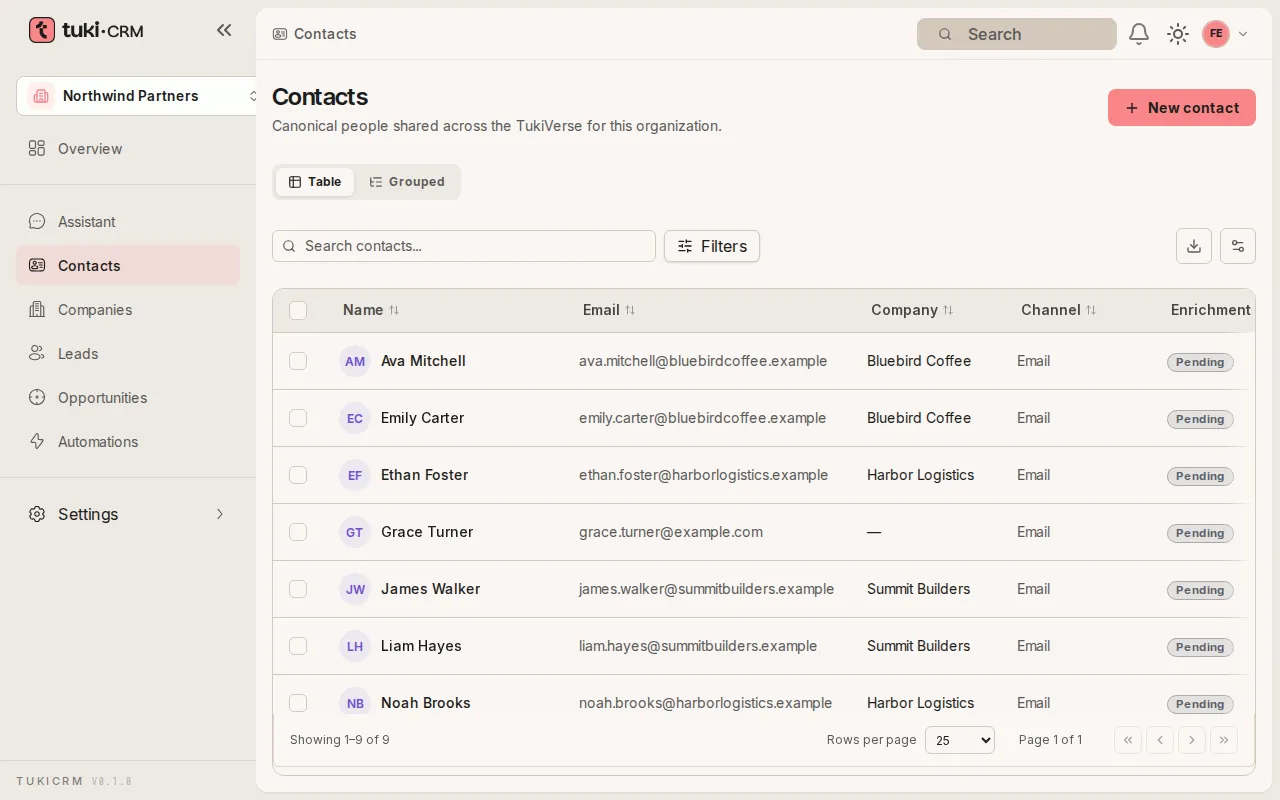
Create a contact
Add a person to your organization with their email and open their record.
Contacts are the people your organization works with. Each contact can have several channels (email, phone) and be linked to a company.
Steps
-
In the sidebar, open Contacts. You’ll see the list of people in your organization.
-
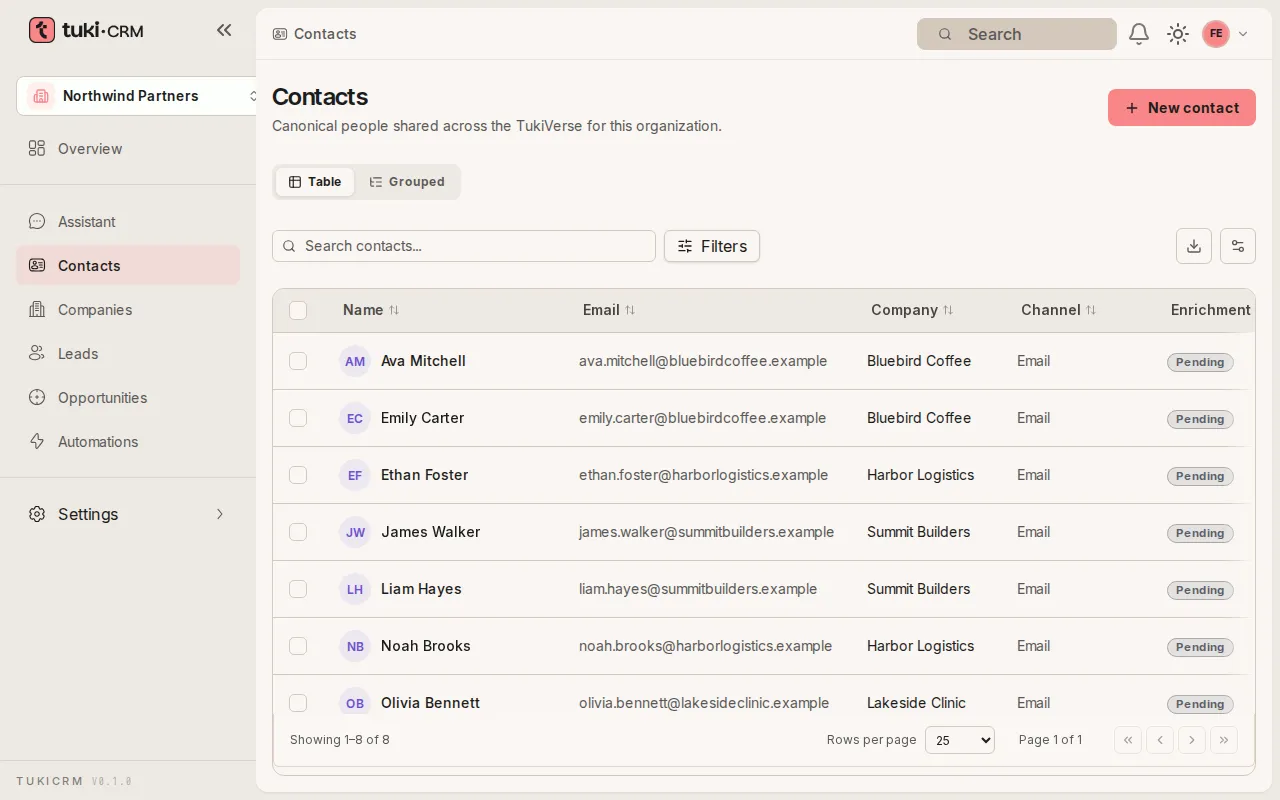
Click New contact in the top right.
-
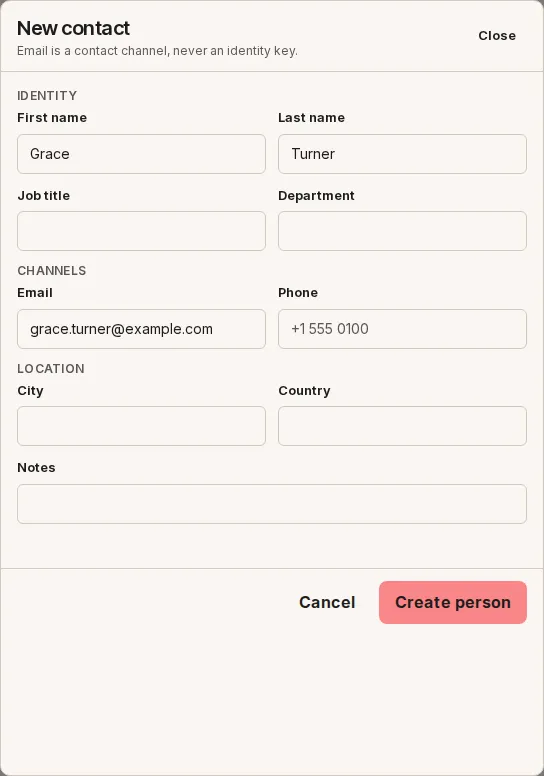
Fill in First name, Last name, and Email. The other fields (Job title, Department, Phone, City, Country, and Notes) are optional.
-
Click Create person. The contact appears in the list.